Gagius - Keynote Template: Designing Presentations That Stick
There’s a distinct moment in every presentation where the audience either leans in or checks out. It’s rarely just about the speaker’s words; it’s about the visual narrative unfolding on screen. Too often, a brilliant idea is undermined by disjointed slides, clashing colors, or layouts that feel like an afterthought. For professionals who need to communicate complex ideas, pitch to clients, or share a vision, the slide deck itself must be a seamless extension of their message. This is where a thoughtfully constructed design system becomes invaluable, transforming a series of bullet points into a cohesive story.
Beyond Slides: A Cohesive Visual Language
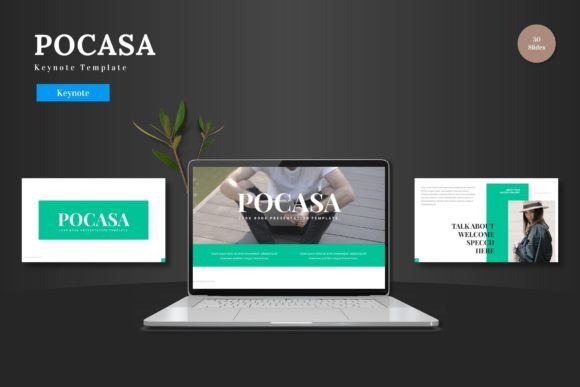
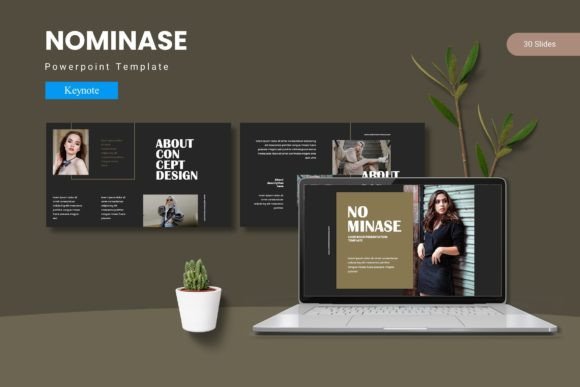
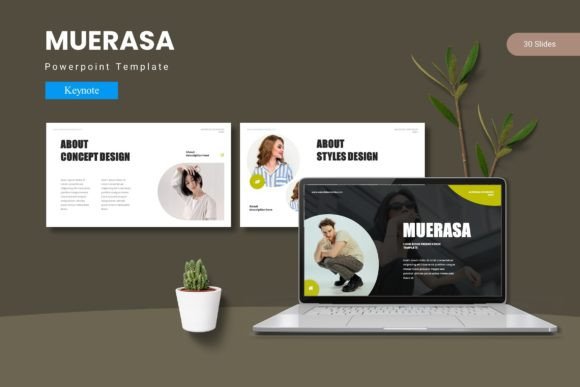
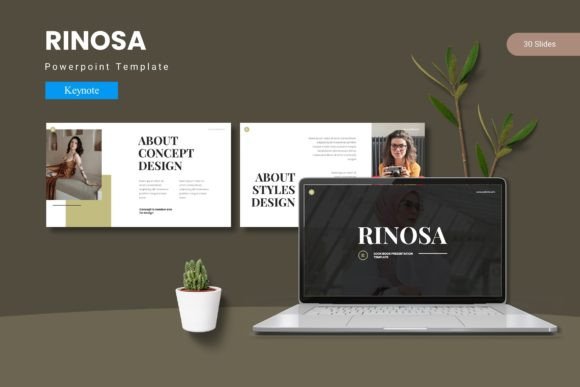
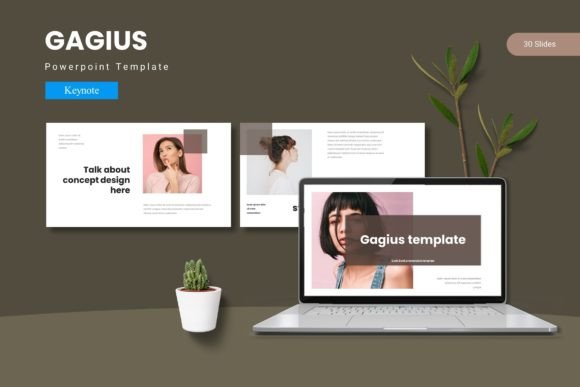
The Gagius - Keynote Template isn't merely a collection of slide layouts. It’s a pre-built visual framework designed to ensure consistency from the first "hello" to the final "thank you." At its core are 150+ total slides, meticulously organized across five distinct color schemes. This variety isn't arbitrary; it provides a palette for different moods and brand identities, whether you're presenting a quarterly report, launching a product, or pitching a creative campaign. The foundation is built on master slides, which is a critical feature for anyone serious about efficiency and brand integrity. Editing a master slide once propagates that change throughout the entire presentation, saving hours of tedious manual adjustment and eliminating the risk of inconsistent formatting.
What makes this template particularly practical for small business owners and entrepreneurs is its focus on drag-and-drop functionality. Picture placeholders are clearly defined, allowing you to swap out images without wrestling with alignment or cropping. This means you can maintain the designer’s intended visual rhythm while making the content entirely your own. The handcrafted infographics and pixel-perfect illustrations are not just decorative; they are tools for data visualization. A well-designed chart or process diagram can explain a concept in seconds that might take paragraphs of text, making your argument more persuasive and your data more memorable.
From Pitch Decks to Digital Products: Real-World Applications
Consider the practical applications. A marketing professional can use the section break slides to demarcate different campaign phases, creating a clear narrative arc for stakeholders. A content creator might leverage the portfolio and gallery slides to showcase work in a visually compelling way, moving beyond static PDFs. For educators and trainers, the structured layouts provide a reliable backbone for curriculum, ensuring that each module is presented with equal clarity and professionalism.
The template’s utility extends far beyond the conference room. The same principles that make a presentation cohesive are vital for building a recognizable brand identity. The five pre-made color schemes can serve as a starting point for exploring your brand’s visual language. The clean, modern typography ensures readability across different screen sizes, a crucial consideration for web design and social media graphics where clarity is paramount. You could use the infographic elements to create standalone social media posts that summarize key points from your talk, extending its reach and reinforcing your message. The consistency achieved in your slides can directly inform the look and feel of your website banners, email newsletters, and even packaging design, creating a unified experience for your audience at every touchpoint.
Making the Design System Work for You
A tool is only as good as how you use it. To get the most out of a comprehensive template like Gagius, start with a clear goal. Are you trying to educate, persuade, or inspire? Choose a color scheme that aligns with the emotional tone of your message—perhaps a calm blue for a financial overview or a vibrant green for a sustainability initiative. Don’t feel constrained to use every single slide. The 30 slides per template are a toolkit, not a mandate. Curate the layouts that best serve your specific content, whether it’s a data-heavy slide, a quote highlight, or a simple image with a caption.
Pay close attention to the included readme file. It will detail the fonts and photo credits used, which is essential information for maintaining consistency and respecting licensing. If you’re building a brand, consider downloading and installing those same fonts for use across other materials, from your business cards to your website headers. This creates a seamless typographic identity. When customizing, resist the urge to overcrowd slides with text. The pre-designed layouts often have a balanced composition; use that white space to let your key points breathe. Test your final presentation on the actual device you’ll be using—a projector can alter color perception and readability, so a quick check can prevent last-minute surprises.
Ultimately, the value of a resource like the Gagius - Keynote Template lies in its ability to bridge the gap between having a great idea and presenting it with the visual authority it deserves. It handles the heavy lifting of design consistency, freeing you to focus on your story and your audience. In a world saturated with information, a polished, professional, and visually engaging presentation isn't just nice to have—it’s a critical component of effective communication that can help you stand out, be remembered, and achieve your goals.